
The app for your machine.
Each model uses a different app, depending on who made its software. Find your model below — check the colour, because newer and older versions can use different apps — then download the app from the App Store or Google Play.
Find your model.
The model name is printed on the bottom or the back of the machine. If yours is not listed, send us a photo on WhatsApp and we will find the app for you.
Scent Master Pro
for SBA6, SBX1, SBA50, SBX2, SBA1, SBA5, SBA2, SBB5
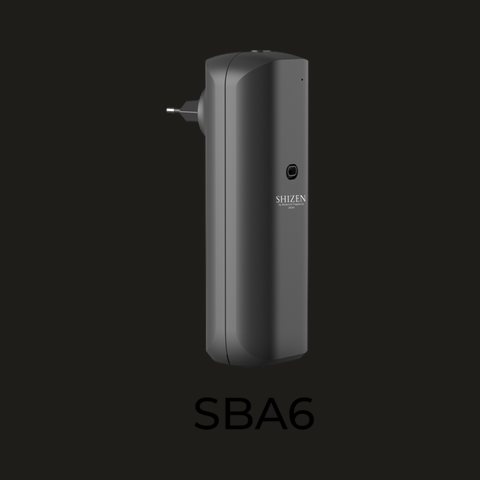 SBA6black version
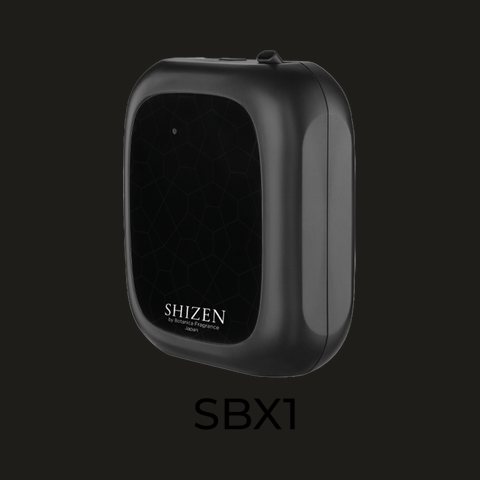 SBX1
SBX1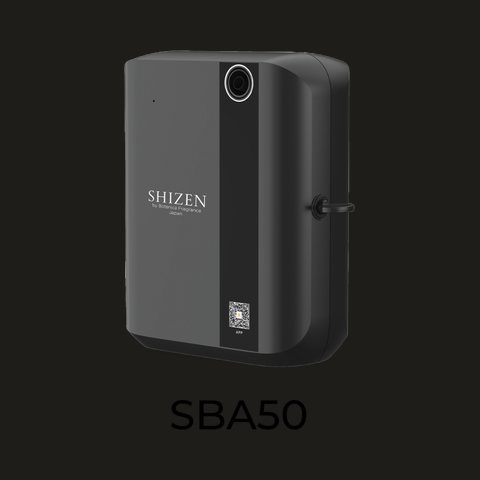 SBA50black version
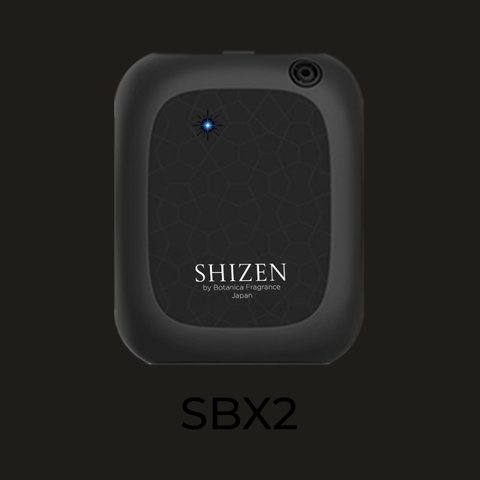 SBX2
SBX2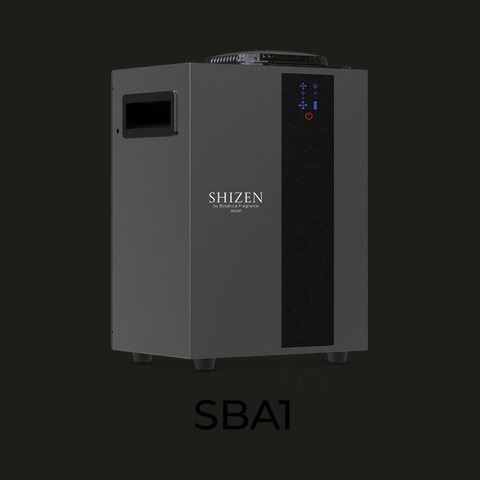 SBA1
SBA1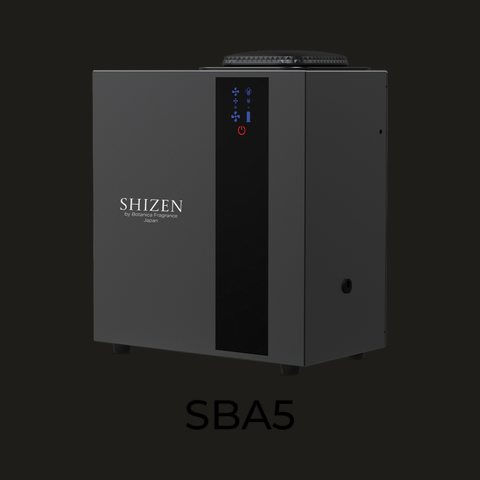 SBA5
SBA5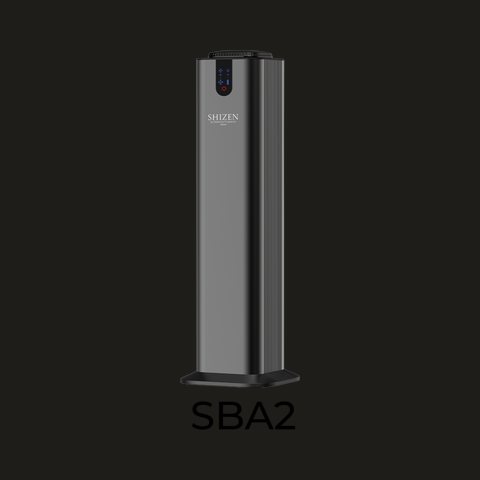 SBA2black version
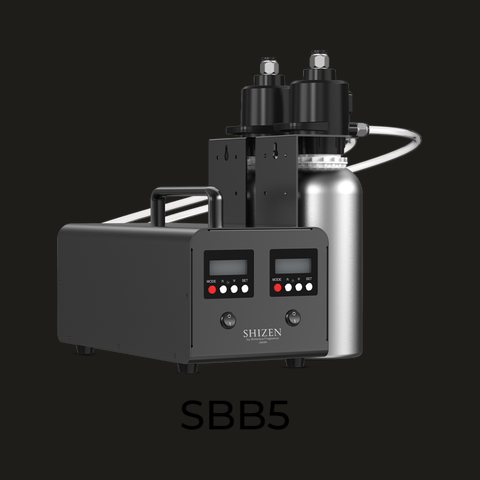 SBB5
SBB5
Scent Diffuser
for SBA6, SBA50
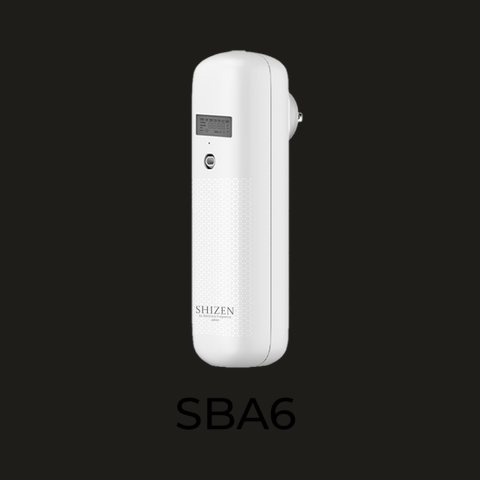 SBA6new version, white
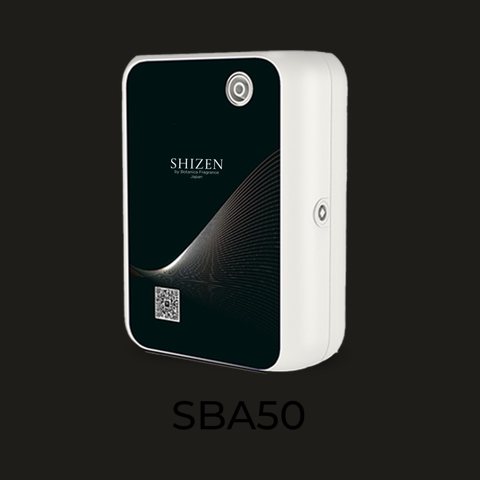 SBA50new version, white
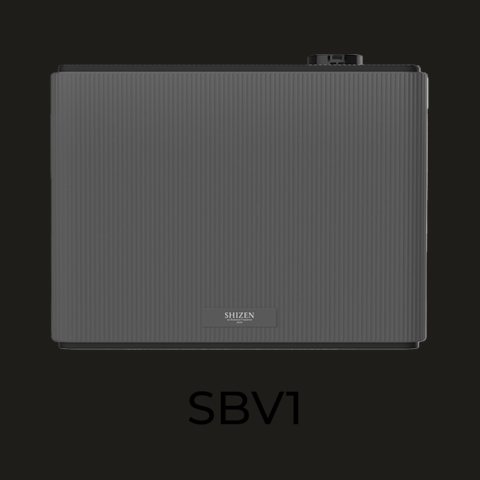 SBV1
SBV1
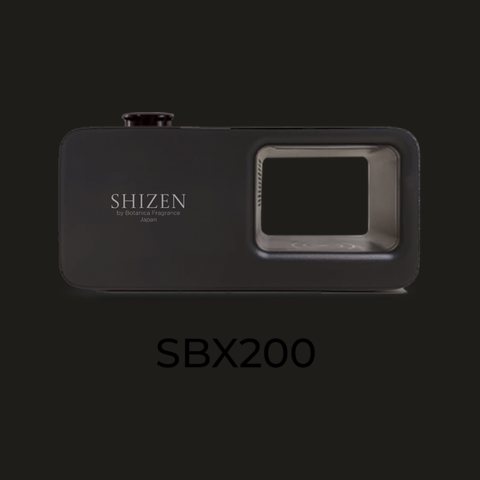 SBX200
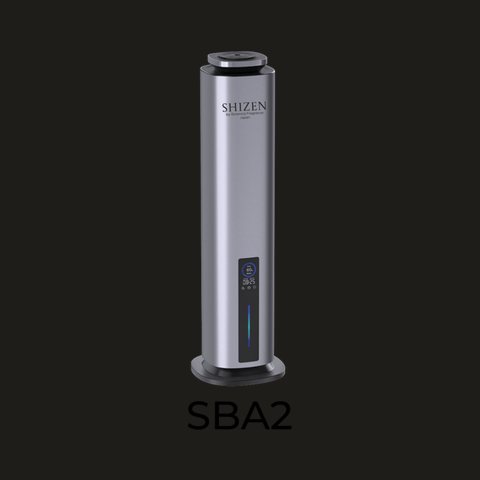 SBA2
SBA2
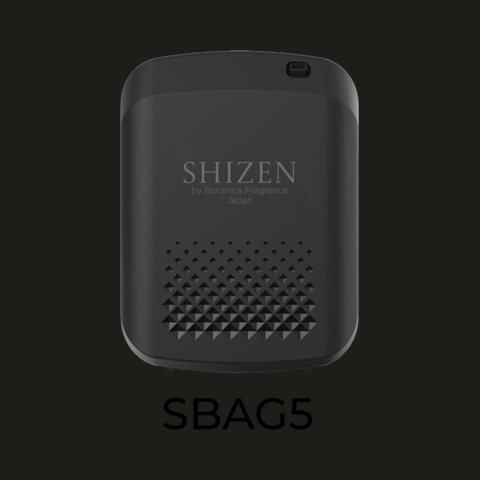 SBG5
SBG5What you can set from the app.
Features differ slightly between apps, but these are generally all there.
- Bluetooth and Wi-Fi connection
- Active days schedule
- Work interval, for example 20 s on / 120 s off
- Daily operating hours, for example 08:00–21:00
- Lock the machine settings from the app
- Several machines in one app
- Fan intensity level
- On and off from your phone
- Settings kept even when unplugged
- Your own name for each machine
How it works.
Download and sign up
Get the app from the App Store or Google Play. Sign up once; every machine of yours can be managed from that account.
Connect to the machine
Pair over Bluetooth or Wi-Fi. A few seconds, following the steps in the app.
Set the schedule
Choose active days, operating hours and the work interval. The machine follows it by itself.
Adjust from anywhere
Intensity, on/off and operating hours can be changed at any time from your phone.
Still not sure which app?
Send us a photo of your machine on WhatsApp. Our team will help you choose the app and connect it, free of charge.